User flows and information architecture
The tasks each user type performs, mapped into navigation and screen sequences.
 WeboolfStart a project ↗Menu +

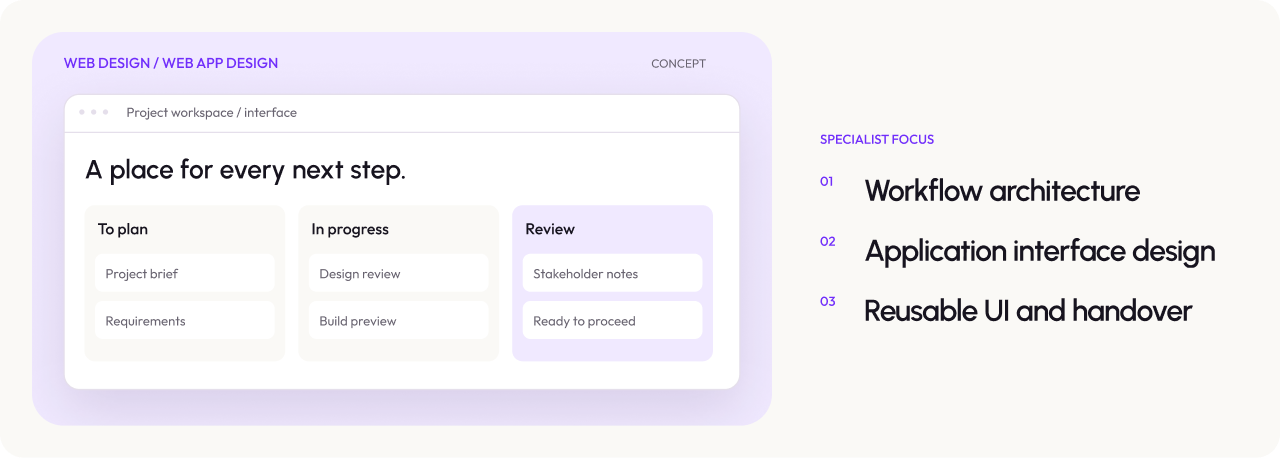
Web app design is the UX and interface design of browser-based software such as dashboards, client portals, admin panels and internal tools. Weboolf maps your users' tasks, designs flows and screens that make complex work feel simple, and hands developers a prototype and component library they can build without guessing.
Strategy-led. Thoughtfully designed. Built to grow.

THE RIGHT STARTING POINT
You're building a new product or portal and need it designed before development, users complain the app is confusing or slow to use, support tickets keep repeating the same "how do I…" questions, or features have been added over time and the interface no longer hangs together.
DEFINED SCOPE
The tasks each user type performs, mapped into navigation and screen sequences.

Every screen with its empty, loading, error and permission states, not just the
happy path.

A clickable prototype plus a component library with specs and interaction notes.
SELECTED WORK
The thinking, the build and the practical difference it made.
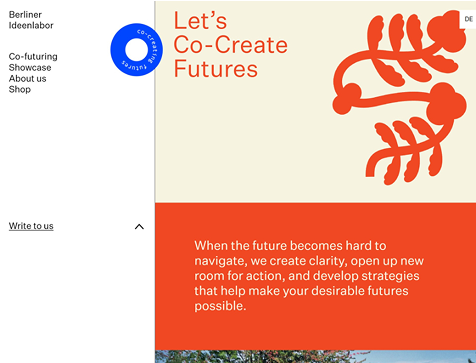
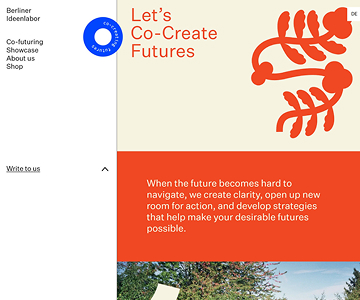
Berliner Ideenlabor needed its approved design built accurately—and a component system the team could reuse. Weboolf delivered the seven-page website with reusable components, a clear content structure and an editor-friendly foundation.
Read the case study ↗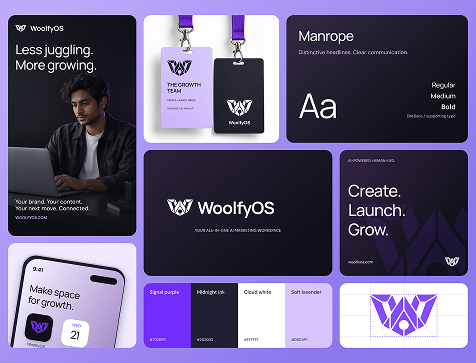
WoolfyOS is Weboolf’s own AI Marketing Operating System, envisioned to bring strategy, content, publishing, advertising, and performance insights into one workspace. Its brand identity gives that ambition a recognizable face: bold in character, focused in expression, and grounded in a clear purpose.
Read the case study ↗Client’s Review
Ahsan is the ideal project partner. He is highly responsive, trustworthy and talented. Working with him was a huge pleasure. I am looking forward to our next project.

Weboolf has built two websites for me, nd I found them cost-effective, and versatile, and accessible. They are always collaborative, I can send on a message for an idea I have for the website, and anytime, and it'll be acted on pretty quickly. And yeah, they'll find cost-effective solutions to your problems, and ways to do things creatively.


He went above and beyond with our website requests, he was paying attention to all details, he is well versed in anything related to webflow and he can deliver anything you want, from design to implementation. He explains everything and he always took the time to explain things if we had questions, totally recommend him 100% to anyone looking for the best webflow expert.


Wonderful experience with professional expertise! I would highly recommend Weboolf for your project. If you are here I would suggest don't look any further! Ahsan understood the project very well and kept me in loop in every step of my project!


Great experience to work with Ahsan. He cares about the project, communicates proactively and goes beyond to deliver on time and on scope. Would definitely recommend!


A CLEAR PROCESS
User interviews or stakeholder workshops, task lists and flow diagrams.
Wireframes, then UI for key flows, tested with users or stakeholders.
A complete screen set, design system and developer walkthrough.
READY FOR YOUR TEAM
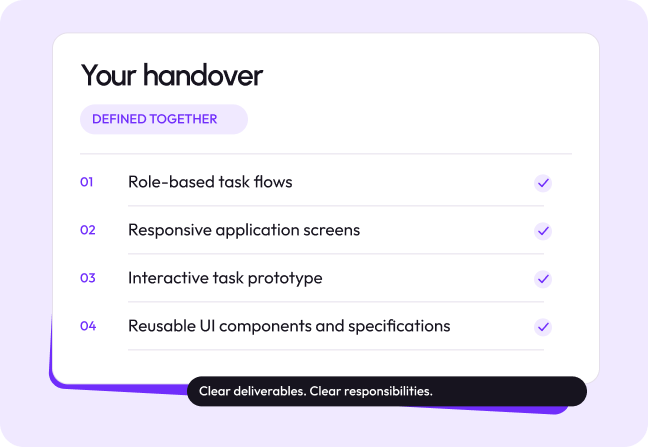
User flows, a sitemap or screen inventory, wireframes, high-fidelity responsive UI for agreed screens with all states, a clickable prototype, a Figma component library and a developer handover session.
CONNECTED SERVICES


BEFORE WE START
LET’S MAKE THE NEXT MOVE COUNT
Share your current assets, the problem you want to solve and any fixed requirements. We will review the starting point and explain what this engagement should cover before you commit.
Start a project ↗